iCloud & Activation Lock: How Middle East and Russia Buyers Can Avoid a Bricked iPhone
Activation Lock is the #1 reason imported iPhones turn into paperweights. Here is how buyers in the UAE, Saudi Arabia and Russia verify a refurbished iPhone is truly clean before paying.
iCloud & Activation Lock: How to Avoid a Bricked iPhone
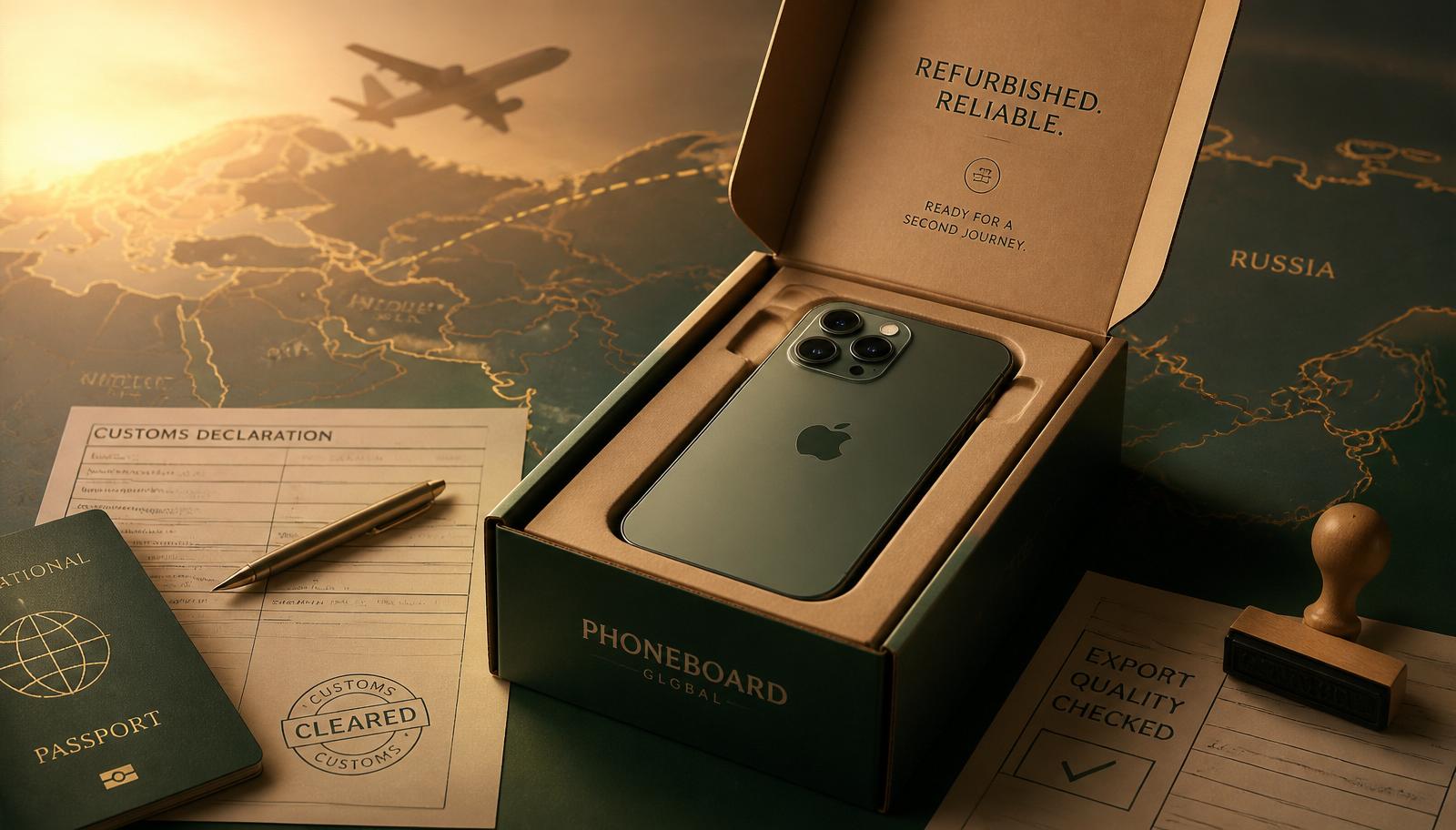
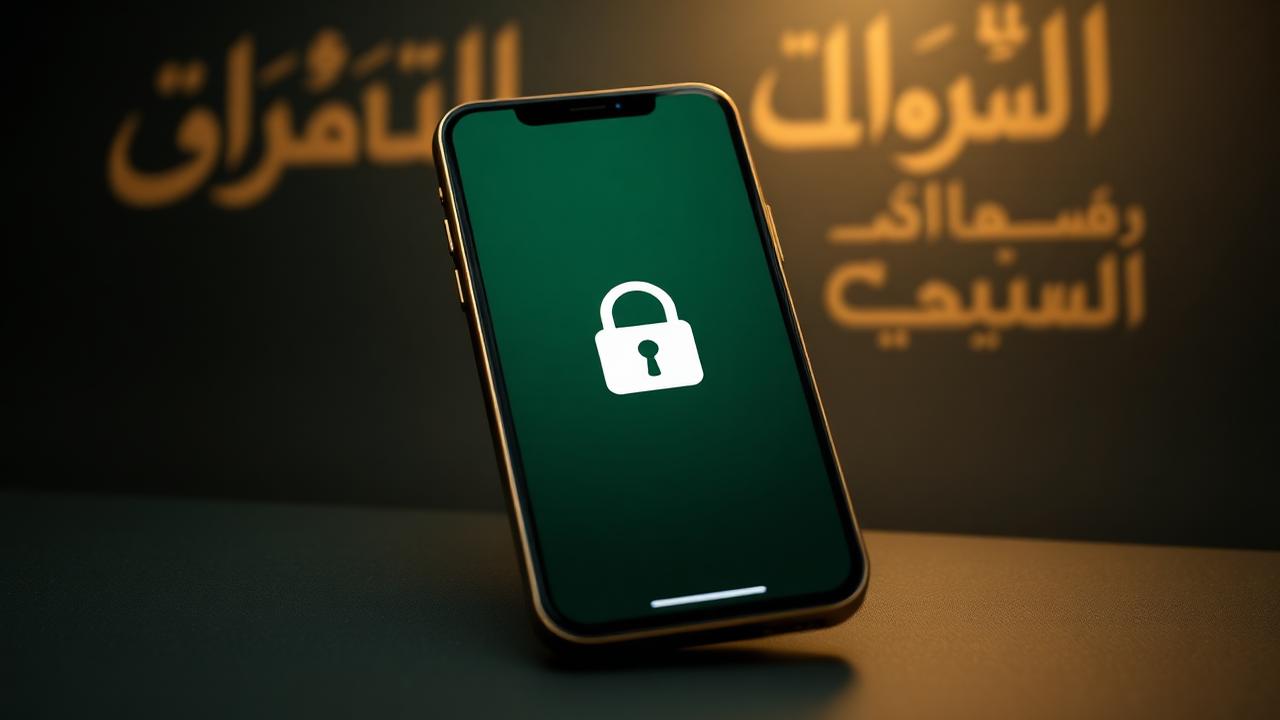
If you are buying a refurbished iPhone from the UK and shipping it to Dubai, Riyadh, Jeddah, Moscow or St Petersburg, Activation Lock is the single biggest risk. A locked device cannot be activated, cannot be reset, and cannot be resold. It is worth roughly the price of the aluminium it is made from.
Here is exactly what to check — and what a legitimate seller like Furbishmarket does before your phone leaves the workshop.
What Activation Lock actually is
Activation Lock is tied to Find My iPhone. When the previous owner signed into iCloud, Apple linked that Apple ID to the device's serial number on Apple's servers. Until that owner signs out (or removes the device from their iCloud account), no one else can activate it — even after a full factory reset.
This is not something a repair shop can bypass. Any seller who tells you they can "unlock iCloud" is either lying, selling stolen goods, or using a bypass that breaks on the next iOS update.
Before you pay: the 3-minute check
1. Ask for the IMEI or serial number. A trustworthy seller will send it without hesitation. 2. Check Apple's coverage page. Visit checkcoverage.apple.com and enter the serial. You should see a valid model and purchase date. 3. Ask for a photo of the Hello screen. After a factory reset, a clean iPhone shows the "Hello" setup screen in multiple languages. A locked iPhone shows "iPhone Locked to Owner" or asks for the previous Apple ID.
If the seller refuses any of these steps, walk away.
On delivery: verify before you activate your own account
When the phone arrives in Dubai, Riyadh or Moscow:
- Power it on before inserting your SIM or eSIM.
- Confirm it boots to the "Hello" screen.
- Complete setup with your Apple ID.
- Once at the home screen, go to Settings → [Your Name] → Find My and confirm it is registered to you.
Regional gotchas
UAE & Saudi Arabia — iCloud services work normally. FaceTime audio/video is available. No extra steps.
Russia — Apple ID accounts created in Russia have restrictions on the App Store and Apple Pay, but Activation Lock and Find My work identically. A UK-purchased refurbished iPhone that has been fully signed out will activate on any Apple ID, including a Russian one. If you plan to use a foreign Apple ID (many Russian buyers do this for App Store access), make sure your seller returned the device to a clean, signed-out state.
What Furbishmarket does
Every iPhone we ship is:
- Wiped through Erase All Content and Settings with the previous owner's Apple ID signed out
- Verified against Apple's activation servers
- Photographed on the Hello screen the morning it ships
You get the IMEI, the serial, and the photo before we hand it to the courier. If anything is wrong on arrival, we cover return shipping and refund in full.
Bottom line
Never pay for an iPhone without seeing the IMEI, the Apple coverage check, and a photo of a clean Hello screen. It takes three minutes and it is the difference between a working phone and an expensive brick.