Buying a Used iPhone or iPad: 10-Point Checklist
A 10-point checklist to run on any used iPhone or iPad before you pay — covers Activation Lock, battery, IMEI, screen, camera and more.
10 Things to Check Before Buying a Used iPhone or iPad
Buying privately can save you another 10–20% over a refurbished phone — but the risk is entirely yours. Run this 10-point check in front of the seller before you pay.
1. Activation Lock (most important)
Ask the seller to sign out of iCloud in front of you: Settings → [Apple ID] → Sign Out. Then go to Settings → General → Transfer or Reset → Erase All Content and Settings. If it boots into the welcome screen without asking for an Apple ID, it's clean. If "Activation Lock" appears, walk away — the phone is unusable.
2. IMEI / serial number check
In Settings → General → About, note the IMEI. Run it through a free IMEI checker (e.g. Apple's coverage page) to confirm:
- It matches the model the seller claims
- It isn't reported lost or stolen
- It still has warranty (if claimed)
3. Battery health
Settings → Battery → Battery Health & Charging. Reject anything below 80%. Pay £30–£50 less if it's 80–85%, since you'll want a battery soon.
4. Screen — dead pixels and burn-in
Open a fully white image, then a fully black image. Look for dark spots, bright dots, or ghosting. On OLED models (iPhone X and later), check for image retention by displaying a static UI for 30 seconds and then a grey background.
5. Touch response
Drag an icon slowly across the full screen edge-to-edge. The icon should follow your finger smoothly across every pixel — no dead zones.
6. Face ID / Touch ID
Enroll a new face or fingerprint. If it fails to enroll, the sensor is faulty — and Apple-grade repairs are expensive.
7. Cameras and flash
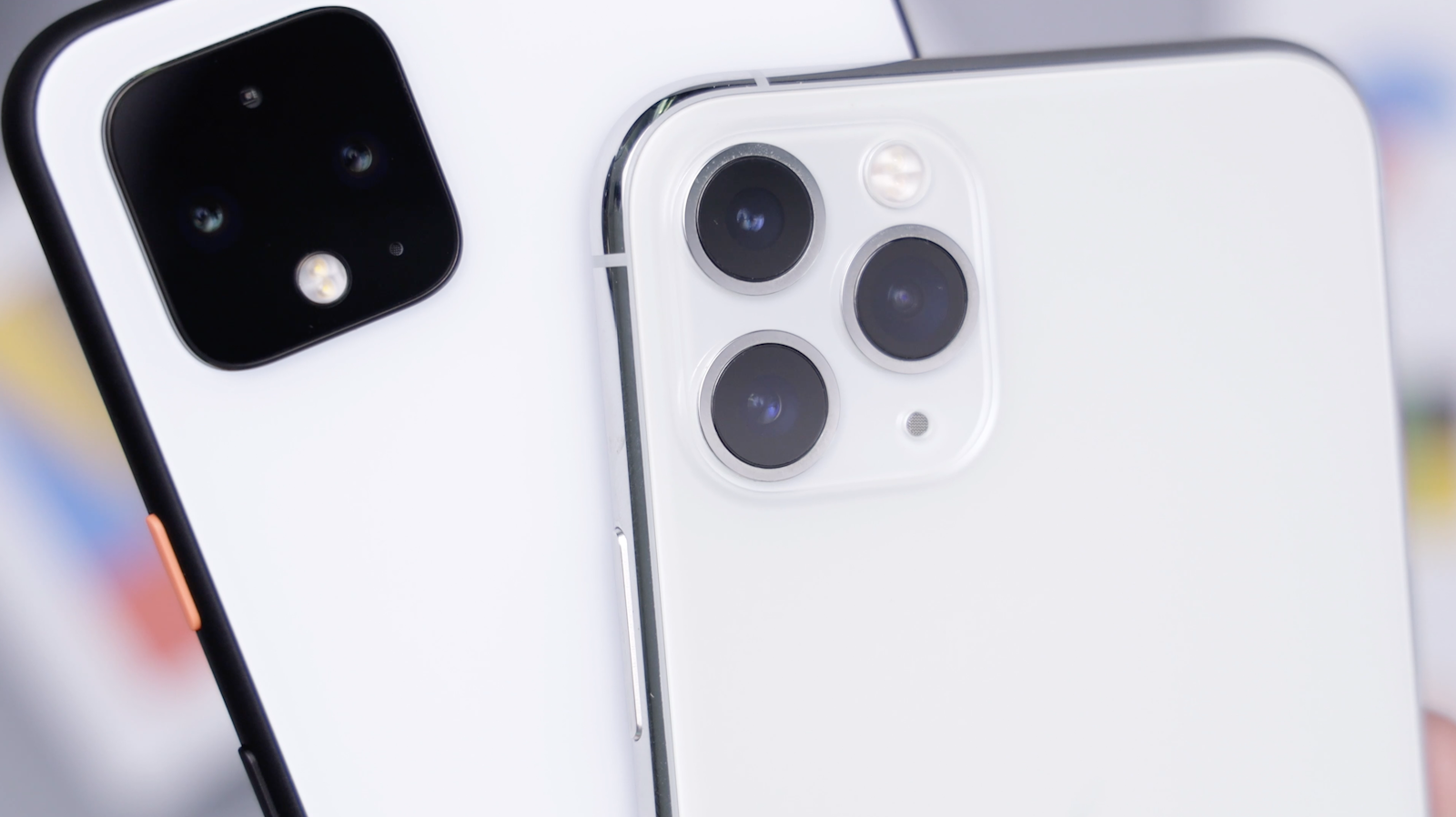
Open Camera, switch through every lens (wide, ultra-wide, telephoto, front). Take a photo with flash. Check for blur, dark spots or autofocus hunting.
8. Speakers, mic, earpiece
Play music to test the loudspeaker. Make a test call (or record a voice memo and play it back) to check the mic and earpiece.
9. Buttons and ports
Press the power button, volume up, volume down, and the silent switch. Plug in a Lightning or USB-C cable to test the port. Test wireless charging if you have a pad.
10. Connectivity
Toggle Wi-Fi, Bluetooth and mobile data. Insert your own SIM (or eSIM) and confirm signal. Confirm the phone is unlocked to all networks.
Bonus: paperwork
Get the original receipt if you can. Even a screenshot of the eBay/Marketplace listing showing the seller's name and the phone's IMEI helps if there's a dispute later.
When to skip the private market
If you can't do all 10 checks in person — buy refurbished from a UK seller with a 12-month warranty. The £30–£50 premium buys peace of mind that's hard to put a price on.