How to Spot a Fake or Dodgy Refurbished iPhone
Counterfeit and stolen iPhones still slip into the refurb market. Here are the 7 checks that catch them in under 5 minutes.
How to Spot a Fake or Dodgy Refurbished iPhone
Most UK refurb sellers are honest. A small minority aren't. Here's the 5-minute checklist that separates a genuine, legitimately-sourced iPhone from a knock-off, stolen unit, or Frankenphone.
1. Check the IMEI
Dial *#06#. Every genuine iPhone shows two IMEIs (dual SIM era) and a serial number. Match them against the sticker in the SIM tray and the number on the box. Any mismatch = walk away.
2. Run the serial through Apple
Go to checkcoverage.apple.com. A legitimate iPhone returns a valid activation date and warranty status. "Serial not found" = counterfeit or activation-locked stolen goods.
3. Look for iCloud Activation Lock
Ask the seller to fully wipe and set up the phone in front of you (or on video). If it prompts for someone else's Apple ID, it's locked — and locked phones are worth zero.
4. Inspect the display
Open a pure-white image full-screen. Genuine Apple displays are uniform. Aftermarket panels show pink or green tinges, especially near the edges. Also check True Tone — cheap third-party screens lose True Tone.
5. Test 3D/haptic Touch
Long-press an app icon. Genuine iPhones give a crisp, precise haptic. Rebuilds with cheap Taptic Engines feel mushy or buzzy.
6. Check Face ID or Touch ID
Set it up on the spot. If Face ID is disabled and greyed out, the front sensor array has been swapped — a huge red flag.
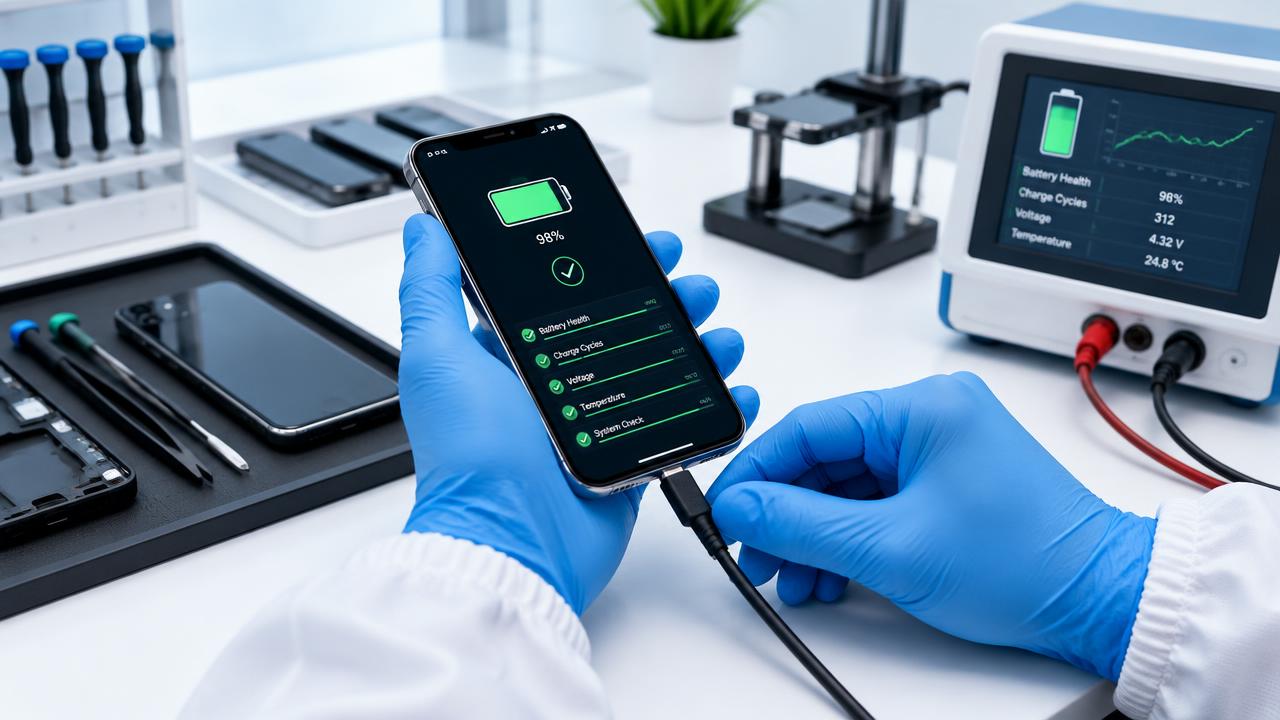
7. Battery Health screen
Settings → Battery → Battery Health. If it says "Important Battery Message" or "Unable to verify", the battery isn't genuine. Not necessarily a dealbreaker on a cheap unit, but it must be disclosed.
The Furbishmarket promise
Every phone we sell passes all 7 of these checks — plus a further 32 diagnostic tests. If we wouldn't give it to our mum, it doesn't leave the workshop.